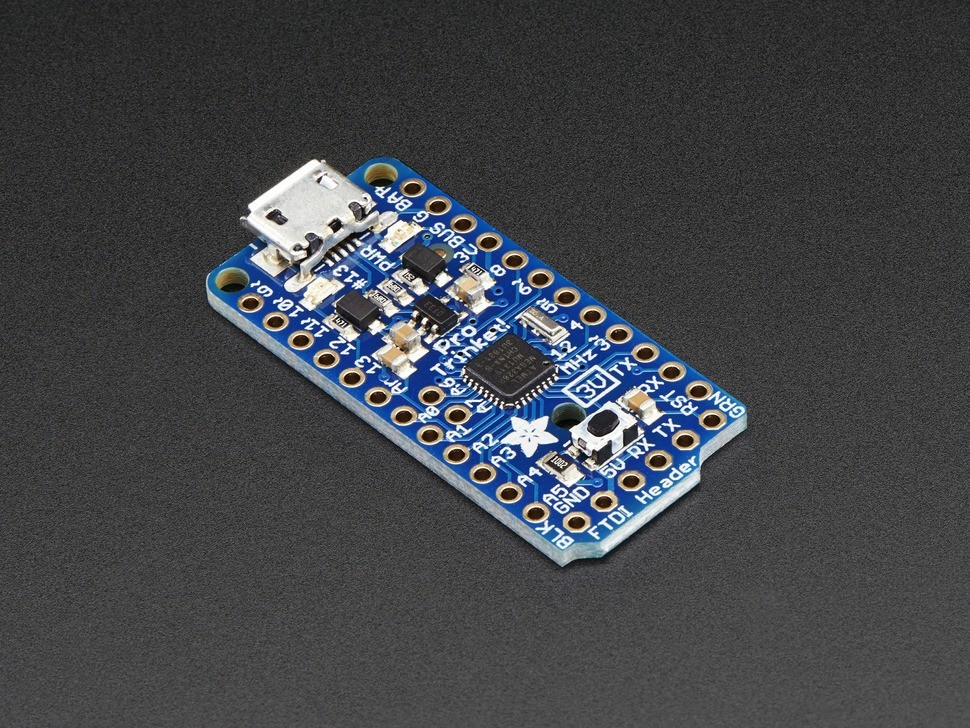
Trinket’s got a big sister in town – the Pro Trinket 3V! Pro Trinket combines everything you love about Trinket with the familiarity of the core Arduino chip, the ATmega328. It’s like an Arduino Pro Mini with more pins and USB tossed in. Trinket’s a year old now, and while its been great to see tons of tiny projects, sometimes you just need more pins, more FLASH, and more RAM. That’s why we designed Pro Trinket, with 18 GPIO, 2 extra analog inputs, 28K of flash, and 2K of RAM. Like the Trinket, it has onboard USB bootloading support – we opted for a MicroUSB jack this time. We also added Optiboot support, so you can either program your Pro Trinket over USB or with a FTDI cable just like the Pro Mini and friends. The Pro Trinket PCB measures only 1.5″ x 0.7″ x 0.2″ (without headers) but packs the same capability as an Arduino UNO. So it’s great once you’ve finished up a prototype on an official Arduino UNO and want to make the project smaller. The Pro Trinket 3V uses the Atmega328P chip, which is the same core chip in the Arduino UNO/Duemilanove/Mini/etc. However, it uses 3V logic and 12MHz clock which means it’s good when you want a lower-power and lower-voltage setup. Pro Trinket is programmable using the Arduino IDE as you already set up, and 95% of Arduino projects will work out of the box! Here’s some things you may have to consider when adapting Arduino sketches: Pins #2 and #7 are not available (they are exclusively for USB) The Pro Trinket 3V runs at 12MHz, this doesn’t affect most projects. Only the most timing-specific libraries may be affected, check the documentation! The NeoPixel Library works fine at 12MHz. The onboard power supply is a 3.3V regulator and it can provide 150mA output You cannot plug shields directly into the Pro Trinket There is no Serial-to-USB chip onboard. This is to keep the Pro Trinket small and inexpensive, you can use any FTDI cable to connect to the FTDI port for a Serial connection. The USB connection is for uploading new code only. The bootloader on the Pro Trinket use 4KB of FLASH so the maximum sketch size is 28,672 bytes. The bootloader does not affect RAM usage. Here’s some handy specifications: ATmega328P onboad chip in QFN package running at 3.3V logic 12MHz clock rate, 28K FLASH available USB bootloader with a nice LED indicator looks just like a USBtinyISP so you can program it with AVRdude and/or the Arduino IDE (with a few simple config modifications). Also has headers for an FTDI port for reprogramming Micro-USB jack for power and/or USB uploading, you can put it in a box or tape it up and use any USB cable for when you want to reprogram. On-board 3.3V power regulator with 150mA output capability and ultra-low dropout. Up to 16V input, reverse-polarity protection, thermal and current-limit protection. Power with either USB or external output (such as a battery) – it’ll automatically switch over On-board green power LED and red pin #13 LED Reset button for entering the bootloader or restarting the program. Works with 99% of existing Arduino sketches (anything that doesn’t use more than 28K, and doesn’t require pins #2 and #7) Mounting holes! Yeah! Technical details Dimensions: 38mm x 18mm x 2mm / 1.5″ x 0.7″ x 0.08″ Height with MicroUSB: 4mm / 0.16″ Weight: 2.6g Datasheets, documents, Fritzing objects, PCB files and more are in the tutorial Related
Refunds
Once a purchased software package has been activated or an activation has been attempted through an online activation site, the package becomes none refundable But in serious matters, we can refund on gelatissimotp wallet. So you can use every product. We cannot add the software package to our stock if an activation has been completed or attempted.
We cannot issue a refund if a customer has purchased the wrong product. Rather then we can change it if he not try to active it
Example: A customer purchases a Windows software package for a Mac machine.
Exchanges
Microsoft Softwares will exchange software purchases for up to 30 days after order completion but only if the software has not been downloaded by the customer, you can also return your purchased software within 30 days if the software remains none downloaded for a full refund.
Redemption or Activation:
After purchasing keys, you will get a voucher code which is needed to redeem. this voucher code have a lifetime validity but once redeem it then you need to activate your windows or office within 7 working days.
Refund process
Refunds will be credited back to the credit/debit card that customers used to place their order, refunds are processed from our platform immediately the time taken to credit to the customer depends entirely on the customers card issuer and/or bank account.
How to initiate a Refund/Exchange
For any refund or exchange please open a create a refund or exchange request ticket here.




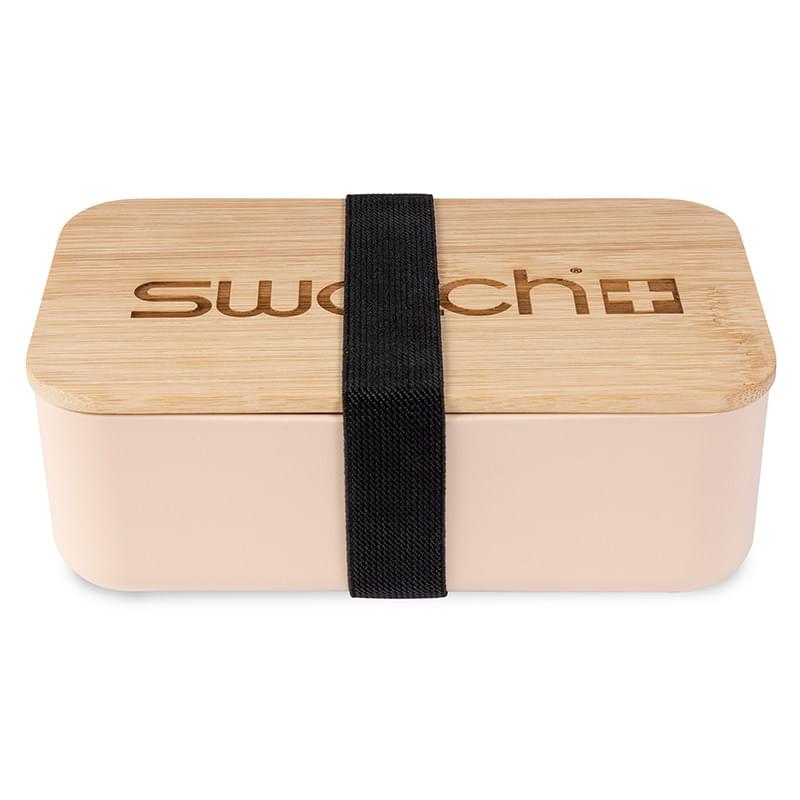 Lunch Bags/Boxes
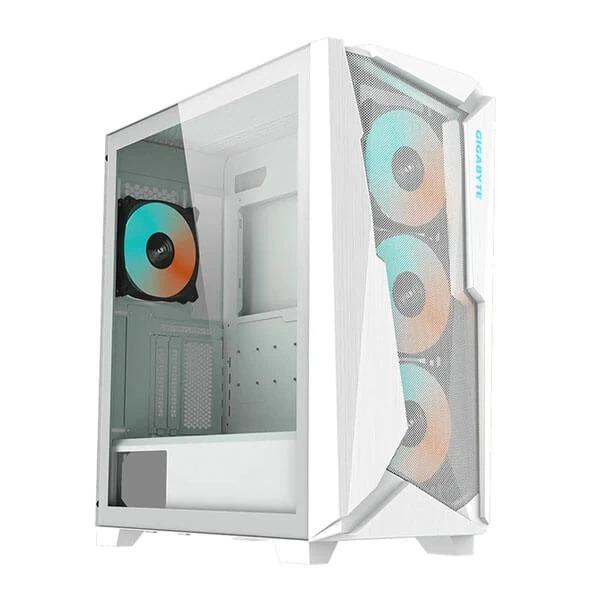 Gigabyte Cabinets
 Folders & Document Holders
 Cleaning
 Lian Li Cabinets
 Protective Gear Cricket