item # SBP-186-2913F20 Choose Product Color Color: Black Black Bright Blue Burgundy Red Gray Green Navy Blue Orange Red Royal Blue White Select Print Method Digital Print Quantity 50 100 250 500 As low as $18.74 × Price Break Explained Close $13.55 × Price Break Explained Close $11.24 × Price Break Explained Close $10.29 × Price Break Explained Close You Save - $5.19 (27.69%) $7.50 (40.02%) $8.45 (45.09%) Maximum 3 samples Need your order sooner? Call our RUSH HOTLINE 305-470-6650 for assistance. Select Quantities Quantity Price each Enter the quantity you would like here, or move the slider above to select your desired quantity and view overall savings. --> <td><div class="help_note">Enter the quantity you would like here, or move the slider above to select your desired quantity and view overall savings.</div></td> <td> <input type="hidden" class="productId" name="product.id" id="productId" value="1723634" /> <input type="text" class="form-control" id="quantity_input" name="quantity_1723634" value="50" onkeyup="if (/\D/g.test(this.value)) this.value = this.value.replace(/\D/g,'')"> <span class="product_inventory_onhand_title" style="padding-top: 5px;"></span><br> <span class="product_inventory_onhand_value"></span> </td> <td><div class="times">x</div></td> <td> <div id="unit_price_value">$18.74</div> <input type="hidden" id="unit_price" value="18.74"> </td> </tr> <tr> <td colspan="4"><hr style="border-top-color:#ddd;"></td> </tr> <tr> <td> </td> <td><div class="total_title">Total:</div></td> <td> </td> <td><div class="total_value" id="total_value">$937.00 </div></td> </tr> <tr> <td> </td> <td><div class="saving_title">You Save:</div></td> <td> </td> <input type="hidden" id="save_price" value="0.0"> <td><div class="saving_value" id="saving_value">$0.00 (0%)</div></td> </tr> <tr> <td> </td> <td colspan="3"><div class="saving_note">(off minimum quantity pricing)</div></td> </tr> </tbody> </table> </div> </div> </div> </div> <!-- new Input box add here --> <!-- for sample tab make sure to hide the price --> <div class="quantity_per_color_size_wrapper" > <div class="product_color_cell"> <div class="product_color" id="product_color_child"> <img src="https://92ca17d539a41853cdc1-5e103325df7d6fe4cd4fd86743b8892f.ssl.cf5.rackcdn.com/detailsbig/2913F20.jpg" class="img-responsive center-block"> </div> </div> <div class="product_quantity_per_size_cell"></div> </div> </div> </div> </div> <!-- ProductConfigurtor --> <div id="newSteps"></div> <!-- Global Product Variable --> <input type="hidden" value="" id="globalPanelVariable"> <div class="configBox_wrapper" id="artWork_wrapper"></div> <!-- Choose Imprint Color Modal --> <div id="chooseImprintColor_modal" class="modal fade" tabindex="-1" role="dialog" aria-hidden="true"> <div class="modal-dialog modal-lg"> <div class="modal-content"> <div class="modal-header"> <button type="button" class="close" data-dismiss="modal"> <span aria-hidden="true">×</span> <span class="sr-only">Close</span> </button> <div class="text-center"> <h4 class="modal-title">Choose Imprint Color</h4> </div> </div> <div class="modal-body"> <div id="imprint-color-tabs_wrapper"> <ul id="imprint-color-tabs" class="nav nav-tabs"> <li class="active"><a href="#imprintColorsTab_1" data-toggle="tab">Colors</a></li> <li><a href="#imprintColorsTab_2" data-toggle="tab">PMS Colors</a></li> </ul> <div id="imprint-color-tabs-content" class="tab-content"> <div class="tab-pane fade in active" id="imprintColorsTab_1"> <p>Please note that the colors displayed here may not be the exact color imprinted on your product, as different display technologies display colors differently.</p> <div class="modal_colorsList_wrapper"> <ul class="colorsList clearfix"> <li class="color_option" data-color-name="White" data-color="#FFFFFF"> <div class="color" style="background-color: #FFFFFF;"></div> <div class="color_name">White</div> </li> <li class="color_option" data-color-name="Tan" data-color="#D3BF96"> <div class="color" style="background-color: #D3BF96;"></div> <div class="color_name">Tan</div> </li> <li class="color_option" data-color-name="Medium Brown" data-color="#755426"> <div class="color" style="background-color: #755426;"></div> <div class="color_name">Medium Brown</div> </li> <li class="color_option" data-color-name="Sienna Brown" data-color="#85421E"> <div class="color" style="background-color: #85421E;"></div> <div class="color_name">Sienna Brown</div> </li> <li class="color_option" data-color-name="Violet Purple" data-color="#6D28AA"> <div class="color" style="background-color: #6D28AA;"></div> <div class="color_name">Violet Purple</div> </li> <li class="color_option" data-color-name="Lilac" data-color="#85421E"> <div class="color" style="background-color: #85421E;"></div> <div class="color_name">Lilac</div> </li> <li class="color_option" data-color-name="Navy Blue" data-color="#002868"> <div class="color" style="background-color: #002868;"></div> <div class="color_name">Navy Blue</div> </li> </ul> </div> </div> <div class="tab-pane fade" id="imprintColorsTab_2"> <p>Type in your PMS color and click on the desired match after you get the result below.</p> <div class="modal_colorsList_wrapper"> <ul class="colorsList clearfix"> <li class="color_option" data-color-name="PMS" data-color="#D9D9D6"> <div class="color" style="background-color: #D9D9D6;"></div> <div class="color_name">PMS</div> </li> <li class="color_option" data-color-name="PMS 100" data-color="#F6EB61"> <div class="color" style="background-color: #F6EB61;"></div> <div class="color_name">PMS 100</div> </li> </ul> </div> </div> </div> </div> </div> </div> </div> </div> <div class="configBox_wrapper" id="schedule_delivery_wrapper"> <div id="configBox_title_5" class="configBox_title collapsable_configBox_title collapsed has-icon" data-toggle="collapse" data-target="#collapsable_configBox_content_5"> <div class="configBox_icon"> <img class="img-responsive" src="/assets/Image/Layout/simple-step-numbers-5.png"> </div> <h3>Schedule Your Delivery</h3> </div> <div id="collapsable_configBox_content_5" class="configBox_content collapsable_configBox_content collapse"> <div class="form-horizontal"> <div class="form-group"> <div class="col-sm-3"> <label class="control-label">Production</label> </div> <div class="col-sm-9"> <div id="production_172853" > <input type="hidden" class="imprint_id_list" value="172853"> <label class="radio-inline"> <input type="radio" class="production_time" checked="checked" name="production_radioption_172853" value=""> Standard </label> <br> <br> <br> </div> </div> </div> <div class="form-group"> <div class="col-sm-3"> <label class="control-label">Country:</label> </div> <div class="col-sm-9"> <input type="hidden" id="ground_transit_days" value="0"> <select class="form-control" id="toCountry1" > <option value="">Please Select</option> <option value="US">USA</option> </select> </div> </div> <div class="form-group"> <div class="col-sm-3"> <label class="control-label">Zip:</label> </div> <div class="col-sm-9"> <input type="text" id="toZip1" class="form-control"> </div> </div> <div class="form-group"> <div class="col-sm-3"> <label class="control-label">When is your event:</label> </div> <div class="col-sm-9"> <input type="text" id="event_date_picker" class="form-control"> <!-- --> </div> </div> <div class="text-right"> <button type="button" id="calculateButton" class="btn btn-default">Calculate</button> </div> </div> <div id="callendar_message" style="margin:20px;"> <span id="calendar_error" style="color:red; font-weight:bold;display:none;"> Please reduce production time or transit time(on Checkout Page) to meet your event date. </span> <span id="calendar_success" style="color:green; font-weight:bold;display:none;"> You will receive your order before your event date. </span> </div> <div id="calendar_symbols" style="display: none;"> <ul> <li class="cs_preorder"> Pre Order Processing: <span id="preorder_days"></span> </li> <li class="cs_production"> Production Time: <span id="production_days"></span> </li> <li class="cs_delivery"> Transit Time & Estimated Delivery: <span id="delivery_days"></span> </li> <li class="cs_weekend"> Weekend </li> <li class="cs_event"> Event Date </li> </ul> </div> <div id="calendar"></div> </div> </div> <!-- Step 5 for success Promo --> <div class="configBox_wrapper" id="schedule_delivery_wrapper_successPromo"> <div id="configBox_title_6" class="configBox_title collapsable_configBox_title collapsed has-icon" data-toggle="collapse" data-target="#collapsable_configBox_content_6"> <div class="configBox_icon"> <img class="img-responsive" src="/assets/Image/Layout/simple-step-numbers-6.png" class="img-responsive"> </div> <h3>Select Delivery Date</h3> </div> <div id="collapsable_configBox_content_6" class="configBox_content collapsable_configBox_content collapse"> <div class="form-horizontal"> <div class="form-group"> <div class="col-sm-3"> <label class="control-label">Country:</label> </div> <div class="col-sm-9"> <input type="hidden" id="ground_transit_days" value="0"> <select class="form-control" id="toCountryForRates" > <option value="US" selected="selected">USA</option> </select> </div> </div> <div class="form-group"> <div class="col-sm-3"> <label class="control-label">Zip:</label> </div> <div class="col-sm-9"> <input type="text" id="toZipForRates" name="toZipForRates" class="form-control" onkeypress="return event.keyCode != 13;"> </div> </div> <div id="deliveryWrapper"></div> <hr> <div class="form-group" id="delivery_wrapper"> <div class="col-sm-5"> <label class="control-label">Estimate Delivery Date:</label> <p class="help-block">Need it faster? Select a <b>Garanteed</b> Date, <em>or your money back</em>!</p> </div> <!-- For Loop Here to iterate over shipping method and pricing --> <div class="col-sm-7"> <input type ="hidden" name="selectedValueLabel" id="selectedValueLabel" value="" /> <table id="delivery_date_options" class="delivery_date_options">s</table> </div> </div> </div> </div> </div> <hr style="border-top-color:#ddd;" class="mt-15 mb-15"> <div class="total_price_wrapper"> <div class="row"> <div class="col-sm-12 col-md-12 col-lg-6"> <div class="total_price_box_wrapper"> <div class="row"> <div class="col-xs-6"> <div class="total_qty_title">Total Quantity:</div> </div> <div class="col-xs-6"> <div class="total_qty_value" id="total_quantity_bottom"></div> </div> </div> <div class="row"> <div class="col-xs-6"> <div class="unit_price_title">Unit Price:</div> </div> <div class="col-xs-6"> <div class="unit_price_value" id="total_unit_bottom"></div> </div> </div> <div class="row"> <div class="col-xs-6"> <div class="total_price_title">Total Price:</div> </div> <div class="col-xs-6"> <div class="total_price_value" id="total_price_bottom"></div> </div> </div> </div> </div> <div class="col-sm-12 col-md-12 col-lg-6"> <div class="addToCart_btn_wrapper mb-15"> <!-- Change color of button from blue to green as per 6/11 meeting ticket WJP1-12 --> <!-- Enter the quantity you would like here, or move the slider above to select your desired quantity and view overall savings. x $18.74 Total: $937.00 You Save: $0.00 (0%) (off minimum quantity pricing) × Close Choose Imprint Color Colors PMS Colors Please note that the colors displayed here may not be the exact color imprinted on your product, as different display technologies display colors differently. White Tan Medium Brown Sienna Brown Violet Purple Lilac Navy Blue Type in your PMS color and click on the desired match after you get the result below. PMS PMS 100 Schedule Your Delivery Production Standard Country: Please Select USA Zip: When is your event: Calculate Please reduce production time or transit time(on Checkout Page) to meet your event date. You will receive your order before your event date. Pre Order Processing: Production Time: Transit Time & Estimated Delivery: Weekend Event Date Select Delivery Date Country: USA Zip: Estimate Delivery Date: Need it faster? Select a Garanteed Date, or your money back! s Total Quantity: Unit Price: Total Price: --> <button type="submit" id="addToCartButton" class="btn btn-lg btn-block addToCart_btn"> Add to cart <span class="addToCart_icon"></span> <div class="addToCart_btn_note"></div> </button> </div> <div class="proceedCheckout_btn_wrapper mb-15"> <a href="/viewCart.jhtm" id="proceedToCart" class="btn btn-lg btn-block proceedCheckout_btn"> Proceed To Checkout <span class="fa fa-fw fa-chevron-right"></span> </a> </div> <!-- New addition on June 4th as per scott --> <div class="row gutter-20"> <div class="col-xs-6 col-sm-6"> <div class="addToList_btn_wrapper mb-15"> <!-- addToList_btn --> <input type="button" class="btn btn-block addToList_btn" id="addToListClick" value="Add To List"/> <!-- Add to cart Proceed To Checkout --> <!-- Add To Quote
Refunds
Once a purchased software package has been activated or an activation has been attempted through an online activation site, the package becomes none refundable But in serious matters, we can refund on gelatissimotp wallet. So you can use every product. We cannot add the software package to our stock if an activation has been completed or attempted.
We cannot issue a refund if a customer has purchased the wrong product. Rather then we can change it if he not try to active it
Example: A customer purchases a Windows software package for a Mac machine.
Exchanges
Microsoft Softwares will exchange software purchases for up to 30 days after order completion but only if the software has not been downloaded by the customer, you can also return your purchased software within 30 days if the software remains none downloaded for a full refund.
Redemption or Activation:
After purchasing keys, you will get a voucher code which is needed to redeem. this voucher code have a lifetime validity but once redeem it then you need to activate your windows or office within 7 working days.
Refund process
Refunds will be credited back to the credit/debit card that customers used to place their order, refunds are processed from our platform immediately the time taken to credit to the customer depends entirely on the customers card issuer and/or bank account.
How to initiate a Refund/Exchange
For any refund or exchange please open a create a refund or exchange request ticket here.




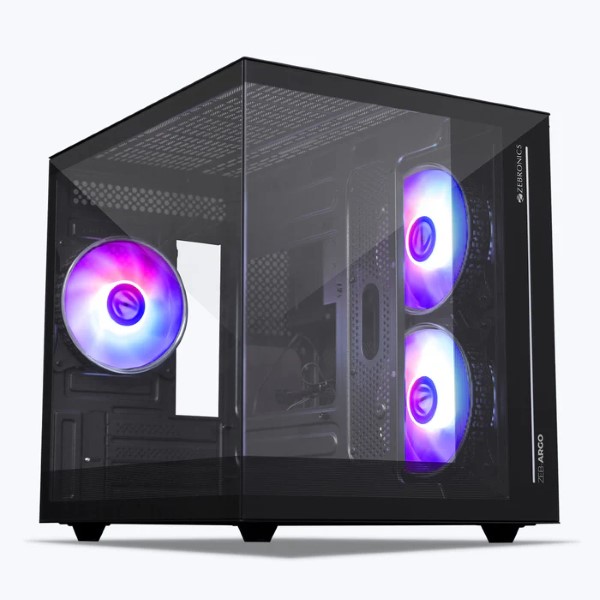 Zebronics Cabinets
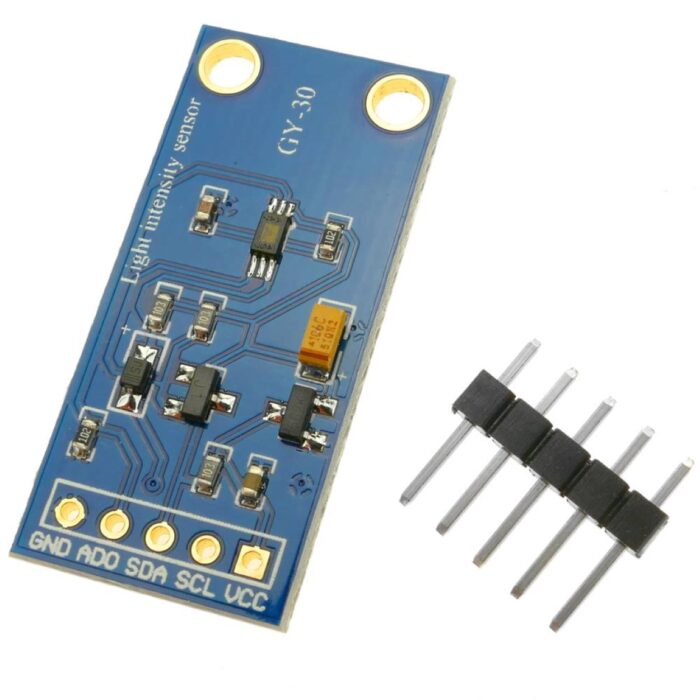 Sensors
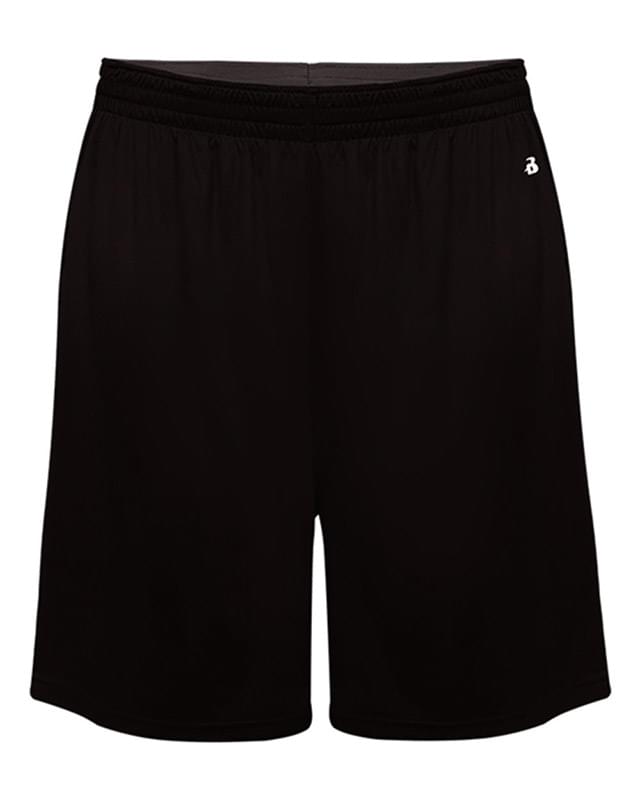 Badger Sport
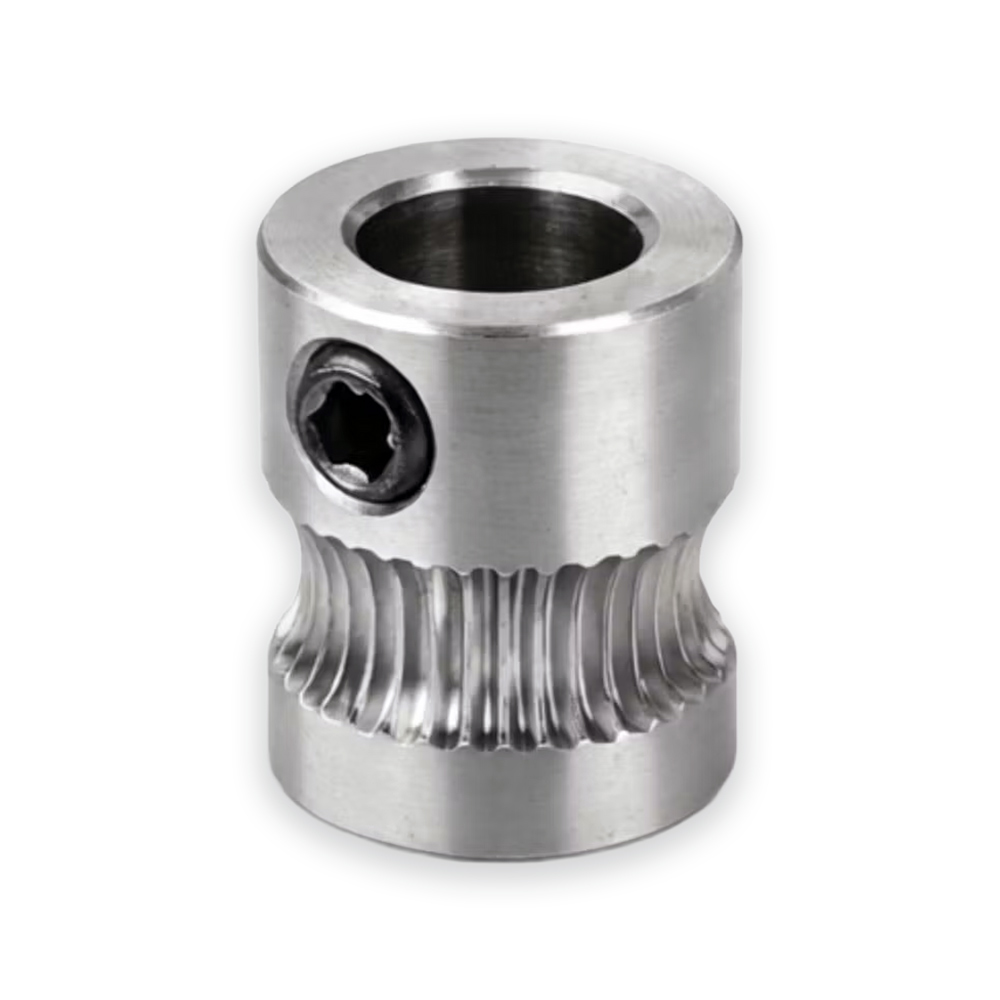 3D Printer
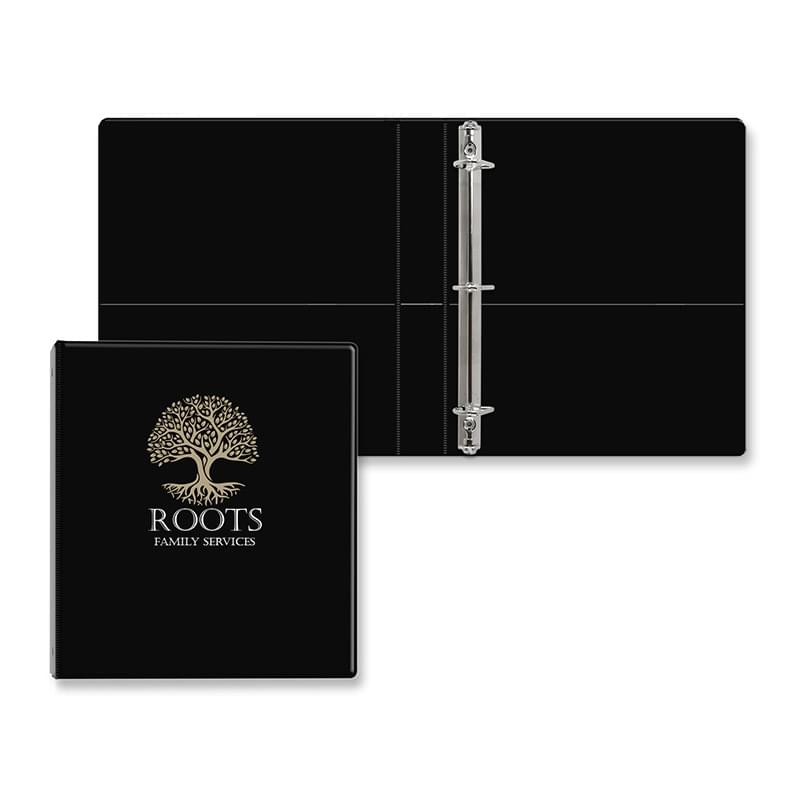
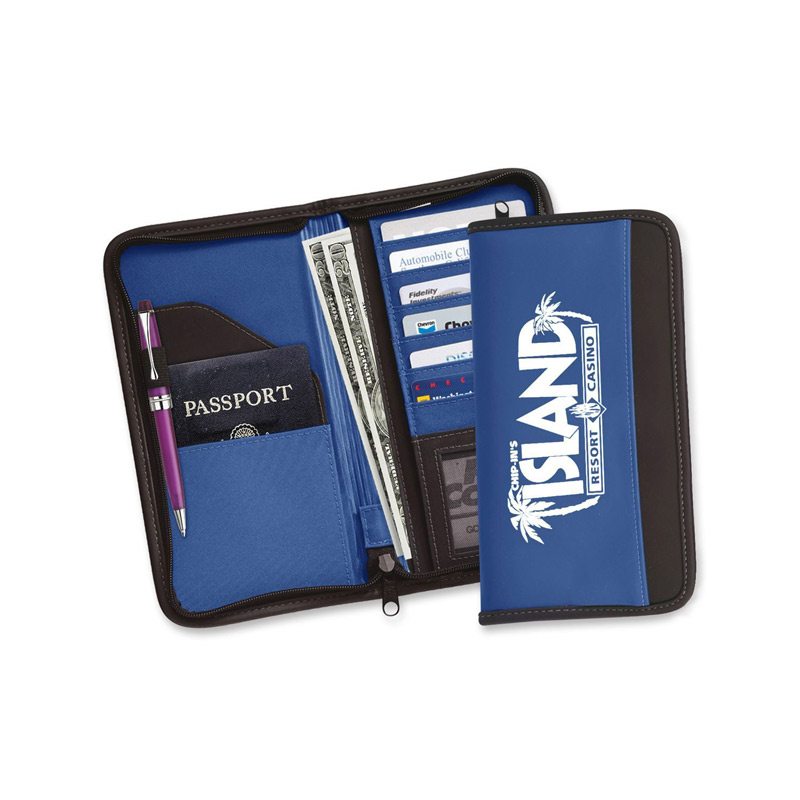 Folders & Document Holders
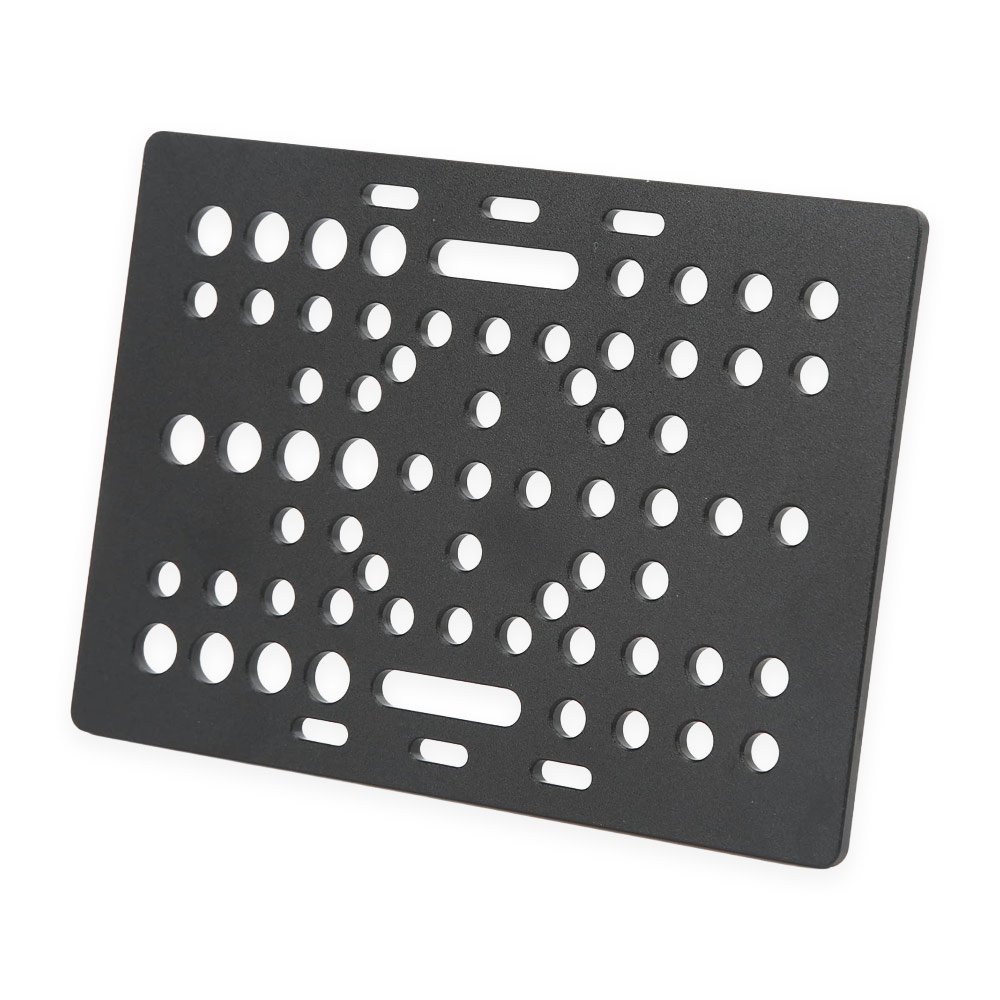 Rods And Carriages