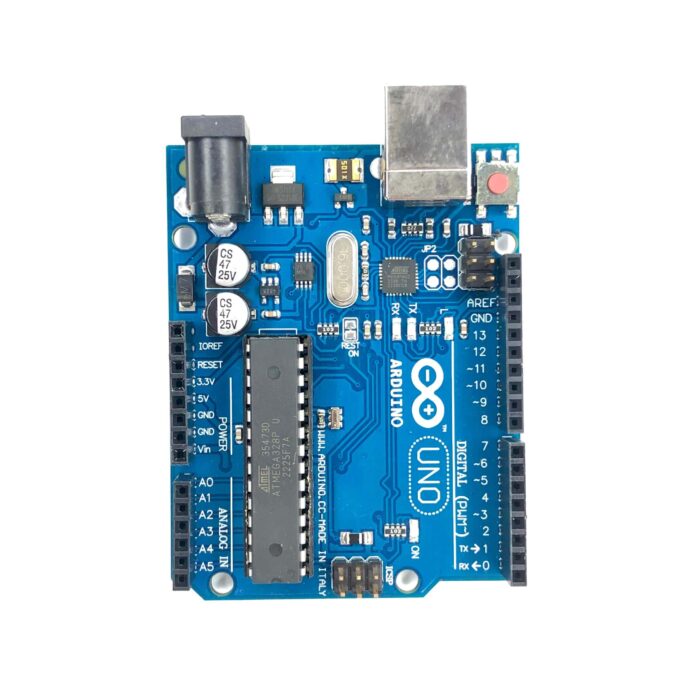
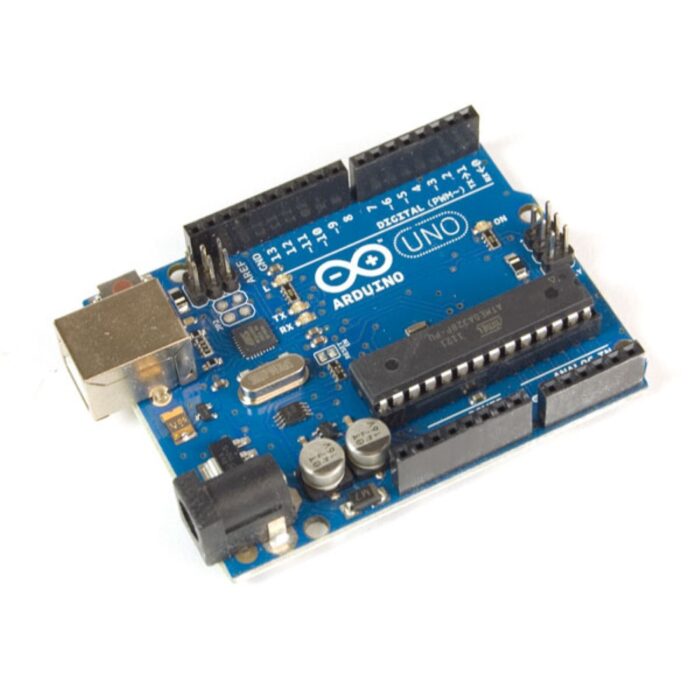
Arduino Uno R3 is a open source microcontroller board based on the ATmega328 chip. This Board has 14 digital input/output pins, 6 analog input pins, Onboard 16 MHz ceramic resonator, Port for USB connection, Onboard DC power jack, An ICSP header and a microcontroller reset button. It contains everything needed to support the microcontroller. Using the board is also very easy, simply connect it to a computer with a USB cable or power it with DC adapter or battery to get started. The Uno differs from all preceding boards in that it does not use the FTDI USB-to-serial driver chip. Instead, it features the Atmega16U2Atmega8U2 up to version R2) programmed as a USB-to-serial converter. While the UNO can be powered via the USB connection or with an external power supply, the power source is selected automatically. External (non-USB) power can come either from an AC-to-DC adapter (wall-wart) or battery. The adapter can be connected by plugging a 2.1mm center-positive plug into the board’s power jack. Also leads from a battery can be inserted in the Gnd and Vin pin headers of the Power connector. The board can operate on an external supply of 6 to 20 volts. If supplied with less than 7V, however, the 5V pin may supply less than five volts and the board may be unstable. If using more than 12V, the voltage regulator may overheat and damage the board. The recommended range is 5v to 12v for Uno. Features:- Microcontroller: ATmega328P. Operating Voltage: 5V. Input Voltage: 7-12V. Digital I/O Pins: 14 (of which 6 provide PWM output). Analog Input Pins: 6. DC Current: 40mA. Flash Memory: 32 KB. SRAM: 2 KB. EEPROM: 1 KB. Clock Speed: 16 MHz. Applications:- DIY project prototyping. Developing varied varieties of projects that require a code based control. Automation System development. Learning AVR programming. Entry level circuit designing.
Refunds
Once a purchased software package has been activated or an activation has been attempted through an online activation site, the package becomes none refundable But in serious matters, we can refund on gelatissimotp wallet. So you can use every product. We cannot add the software package to our stock if an activation has been completed or attempted.
We cannot issue a refund if a customer has purchased the wrong product. Rather then we can change it if he not try to active it
Example: A customer purchases a Windows software package for a Mac machine.
Exchanges
Microsoft Softwares will exchange software purchases for up to 30 days after order completion but only if the software has not been downloaded by the customer, you can also return your purchased software within 30 days if the software remains none downloaded for a full refund.
Redemption or Activation:
After purchasing keys, you will get a voucher code which is needed to redeem. this voucher code have a lifetime validity but once redeem it then you need to activate your windows or office within 7 working days.
Refund process
Refunds will be credited back to the credit/debit card that customers used to place their order, refunds are processed from our platform immediately the time taken to credit to the customer depends entirely on the customers card issuer and/or bank account.
How to initiate a Refund/Exchange
For any refund or exchange please open a create a refund or exchange request ticket here.




 Grocery/Shopping Bags
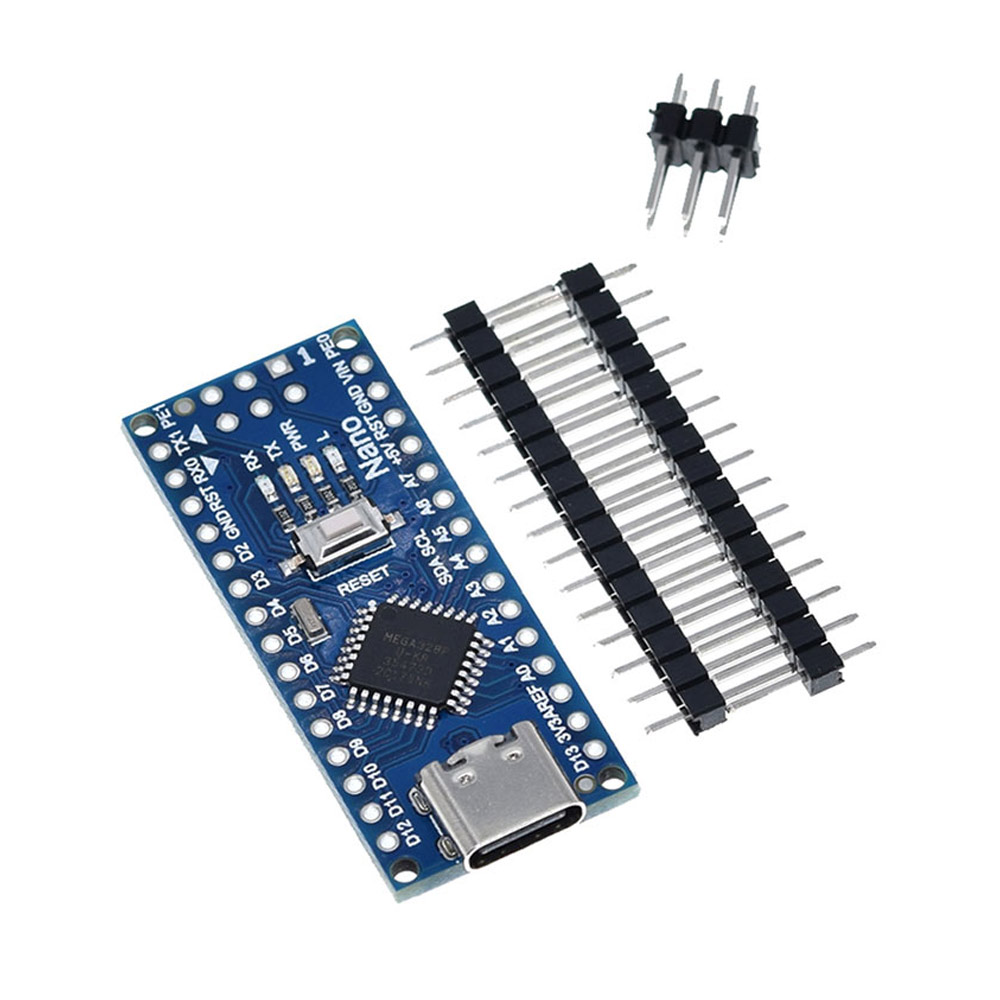 Microcontrollers
 Folders & Document Holders
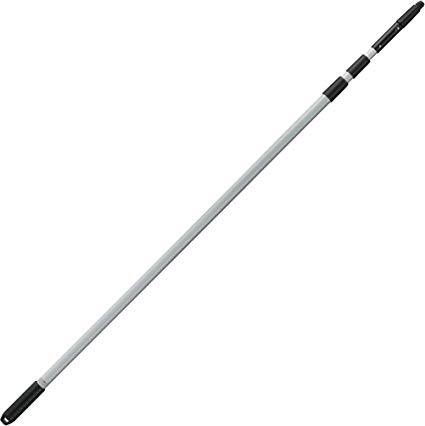 Window Cleaning Telepole
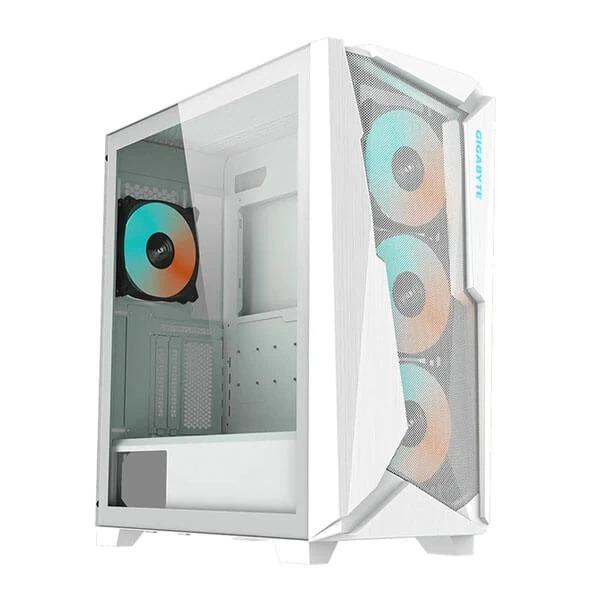 Gigabyte Cabinets
 Protective Gear Cricket